Shopware 5
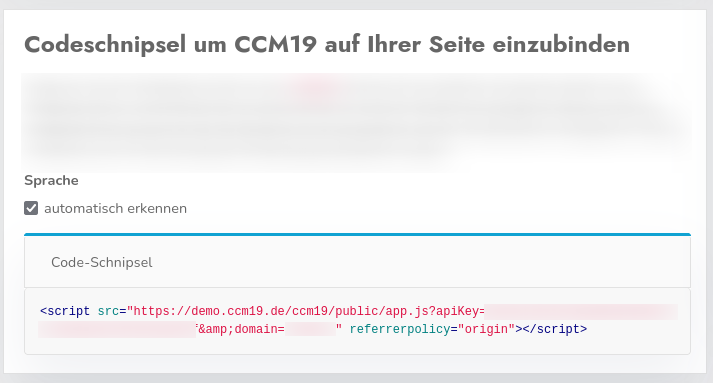
Go to the CCM19-dashboard for your domain and copy the code snippet from-, which is used to integrate CCM19 into your store. Paste the copied HTML-code (the code-snippet) into your Shopware-installation; to do this, follow the rest of these instructions.
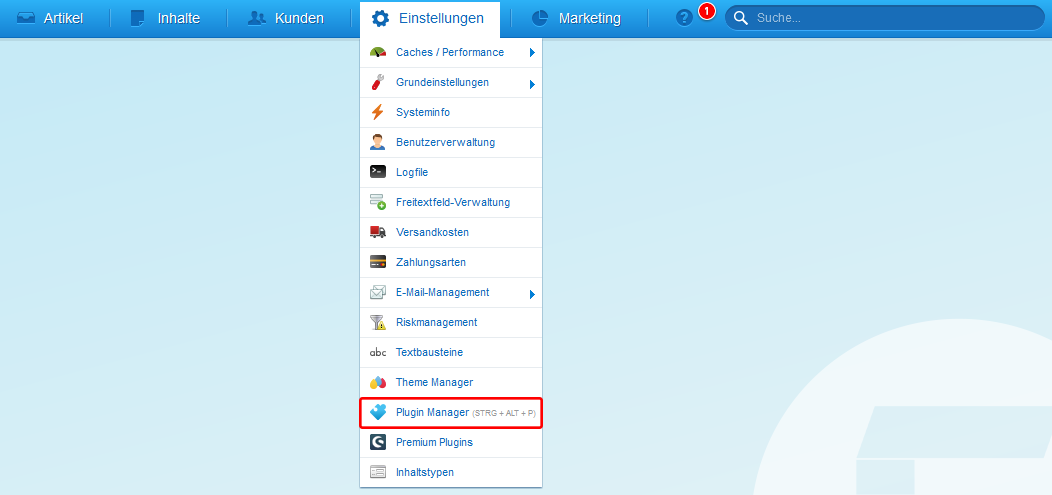
Next, switch to your Shopware installation. In the top menu, go toSettingsand then toPlugin Manager . There, search for the pluginCCM19-Integrationand install it in your Shopware-instance.
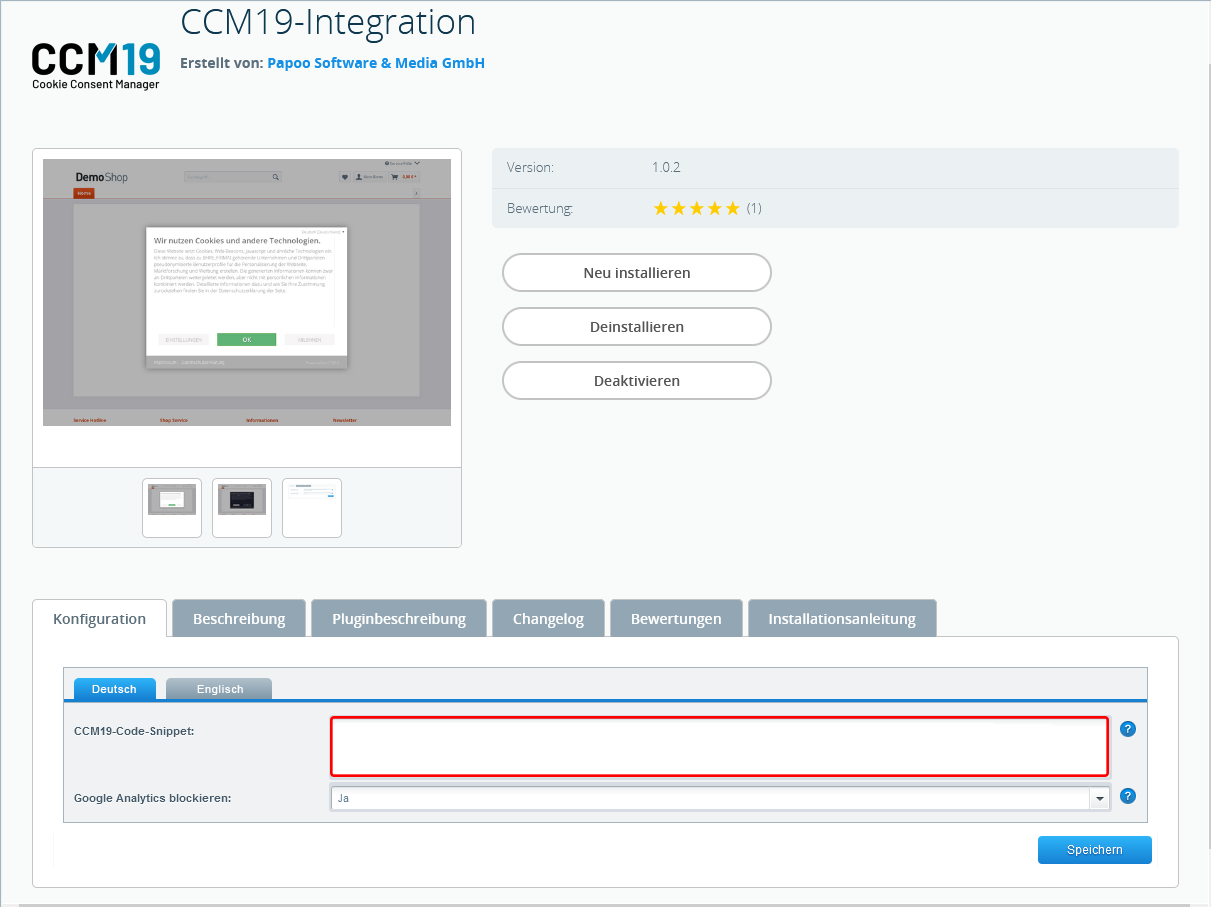
Once the installation is complete, you can paste the CCM19 code-snippet into the designated field. Please note that the “Block Google Analytics” option should be enabled.
This completes the setup, and CCM19 should now be active in your store.
Google Analytics
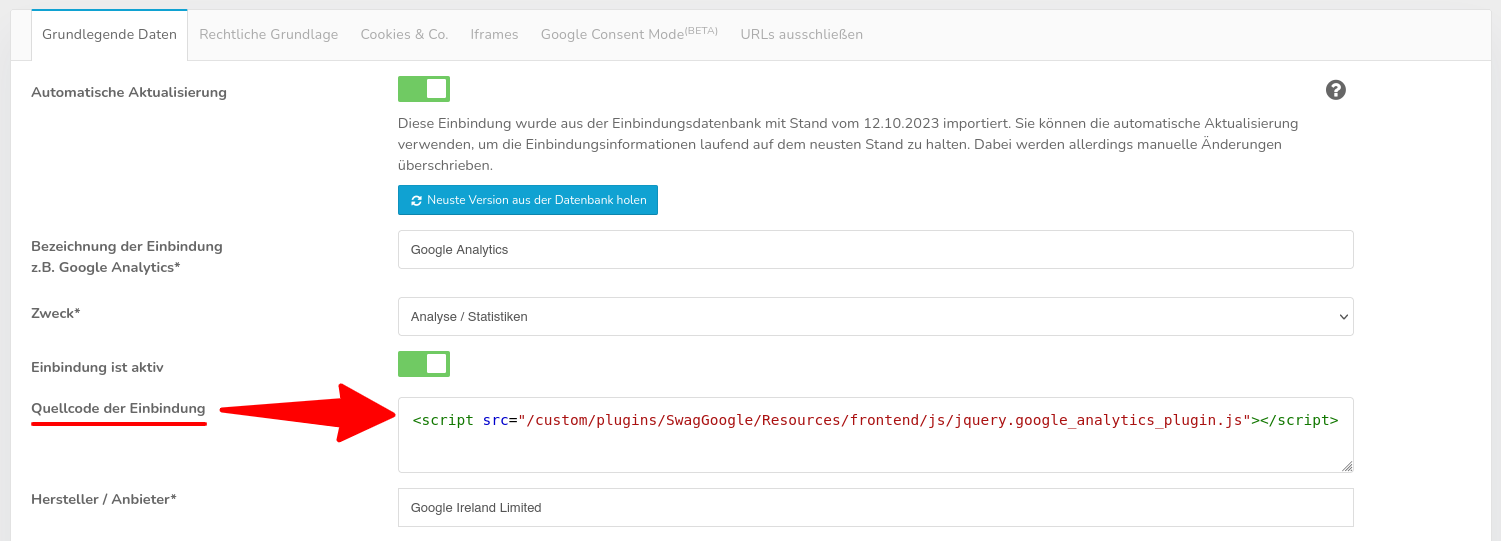
Next, return to CCM19. Open your Google Analytics integration and insert the following line into the integration’s source code:
<script src="/custom/plugins/SwagGoogle/Resources/frontend/js/jquery.google_analytics_plugin.js"></script>