nopcommerce
nopcommerce is a content management system for creating websites. You can use it to integrate the CCM19 code snippet.
Logging In to the Backend
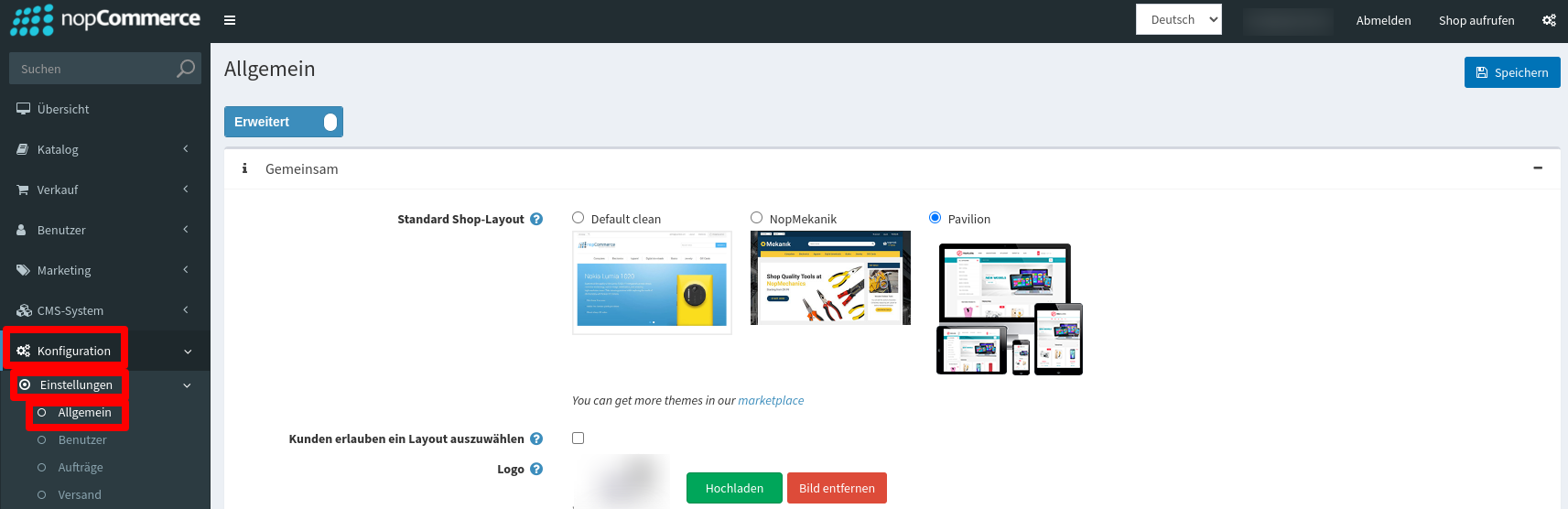
After logging in to the system’s backend, navigate to the “Configuration” menu item and then to “Settings.” In the settings, select “General.”
Inserting the Code Snippet
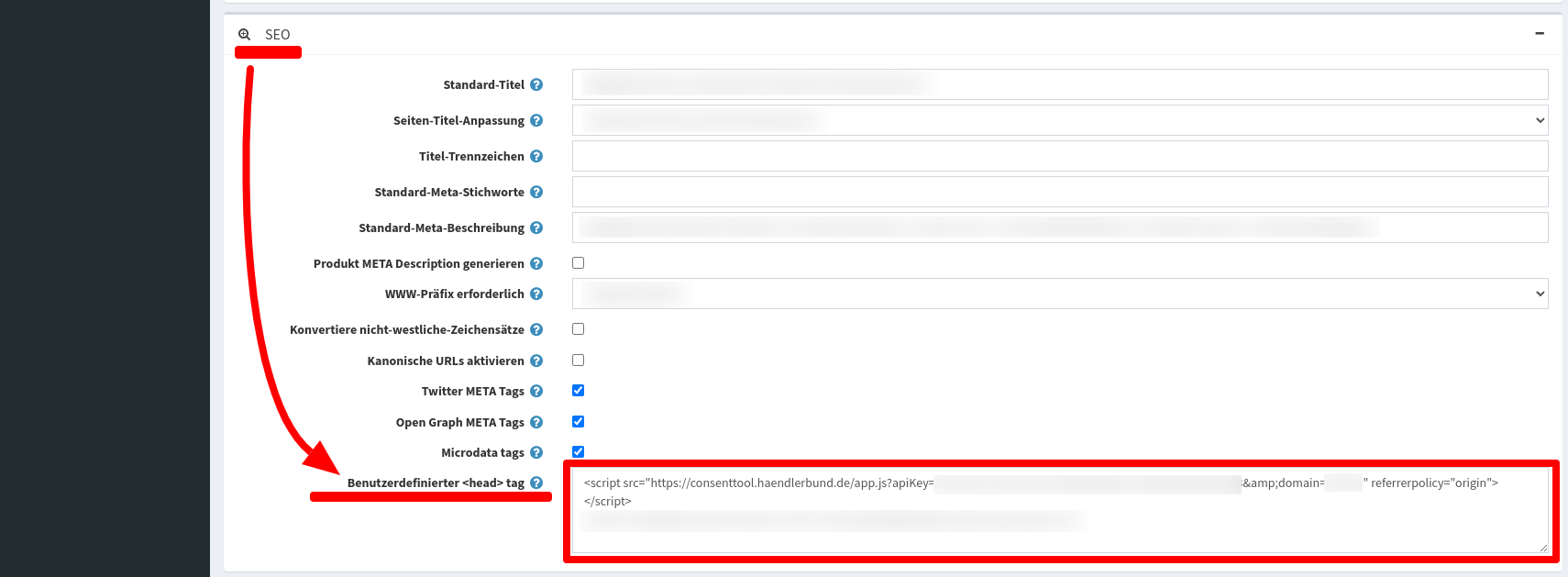
Now scroll down until you reach the “SEO” section. There, you can paste the CCM19 code snippet into the “Custom \
tag” field. Then save your changes.