Themes
Under the "Themes" menu item, you can create new system-wide themes and deploy them to all customers. This makes these themes available in all customer-accounts.
Create or edit the desired theme and then deploy it to all your users by clicking the blue “Distribute Theme” button.
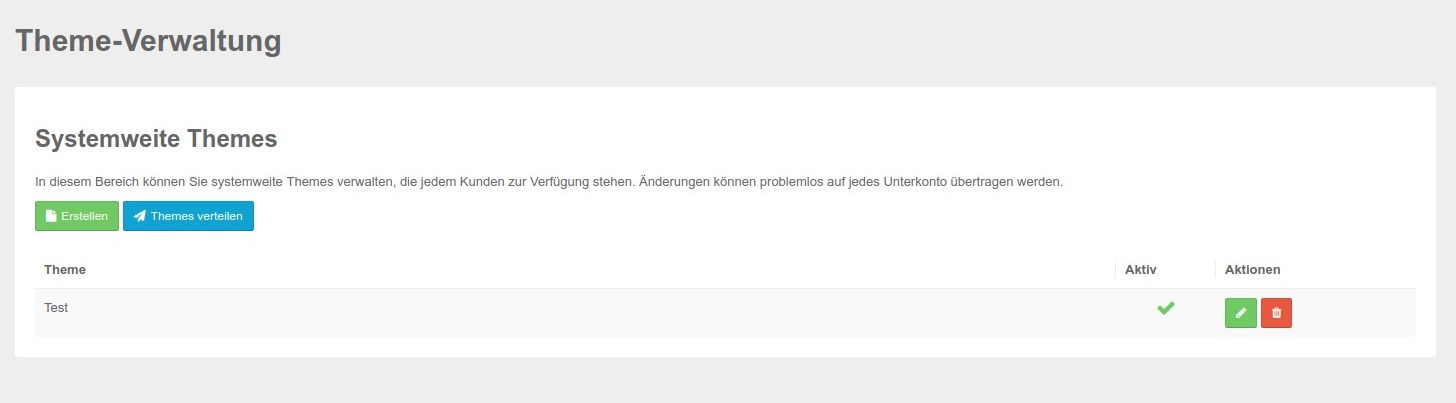
The editing screen is the same as the one available in the accounts under “Themes.” You can find further explanations here: Edit Themes
Create a Theme
Clicking the button takes you to the following screen.
.jpg)
Here you can configure all relevant settings related to themes. Details about the individual sections are explained in the Theme section of the Cookie & Co. Management.
Deploy Themes
Clicking this button deploys the theme or changes to existing themes to all domains.
Please note that these changes will go live immediately.