Content & Text
All text and output can be customized to your specifications in the NoLabel-version. To do so, click the Content/Texts menu item.
Edit Content
Here you’ll see a list of all language entries in the administration panel. You can customize these either individually or in batches using the Search and Replace function. If you happen to make a typo, backup copies of the previous version are stored in the /messages directory. If necessary, you can copy the files back.
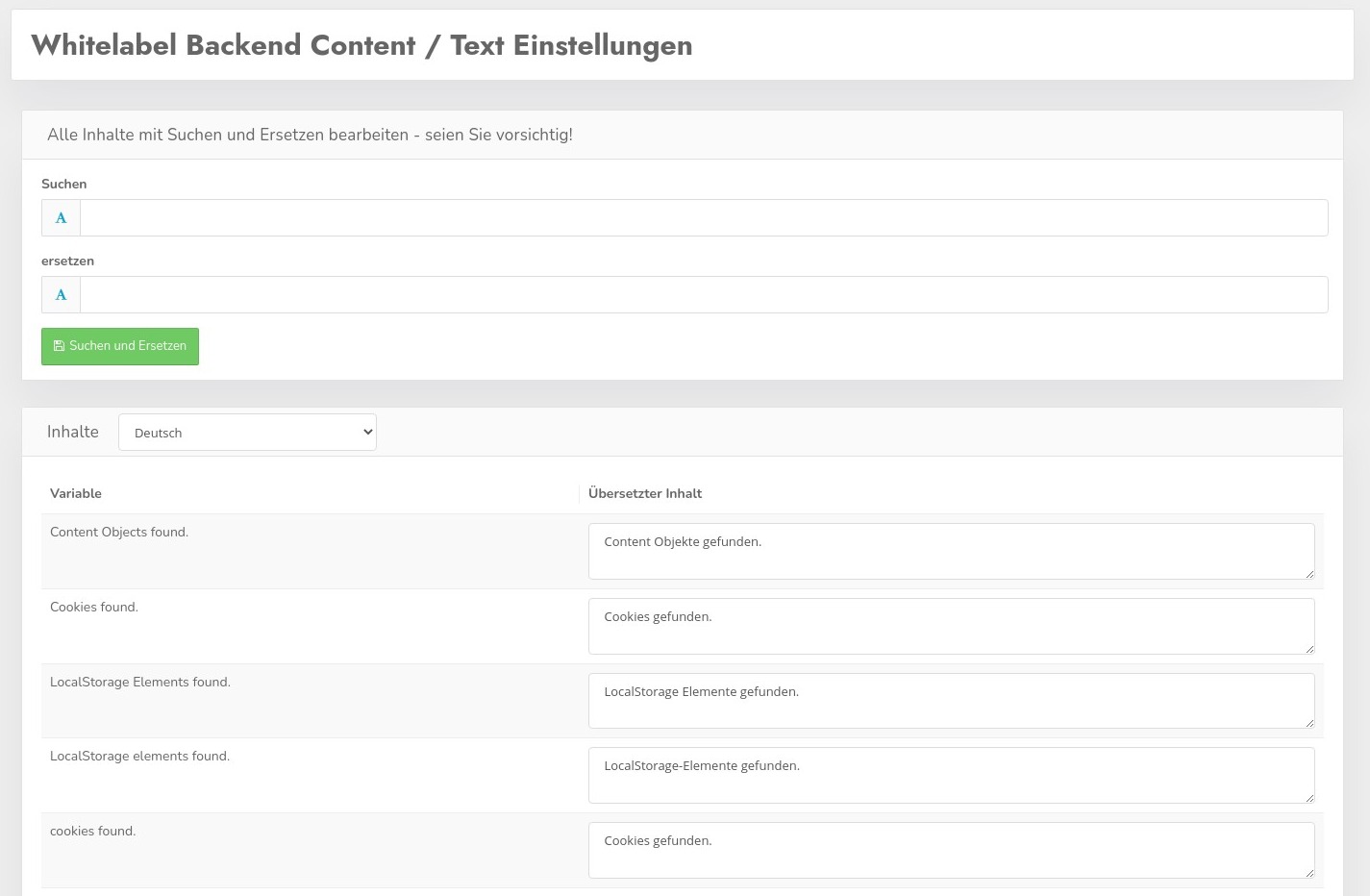
This way, you can, for example, replace the name “CCM19” with your own name. You can also change our company name in the footer of the administration panel—everything can be customized.