Onboarding - Step 1
Immediately after your first login to the administration panel, you’ll be guided through the onboarding process. During this process, the most important aspects of your site are queried, scanned, and processed. You can make corrections at any step along the way.
You can adjust and change anything created during onboarding later in the admin panel.
If the onboarding process does not start automatically, you can simply click the following link on the dashboard:
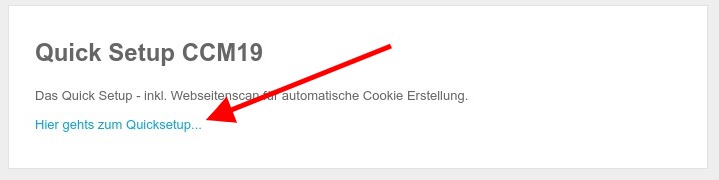
Entering the Domain.
After your first login, the following screen will appear: -. Here, you can enter your domain and have it scanned for cookies and scripts. It is important that you confirm the security notice.
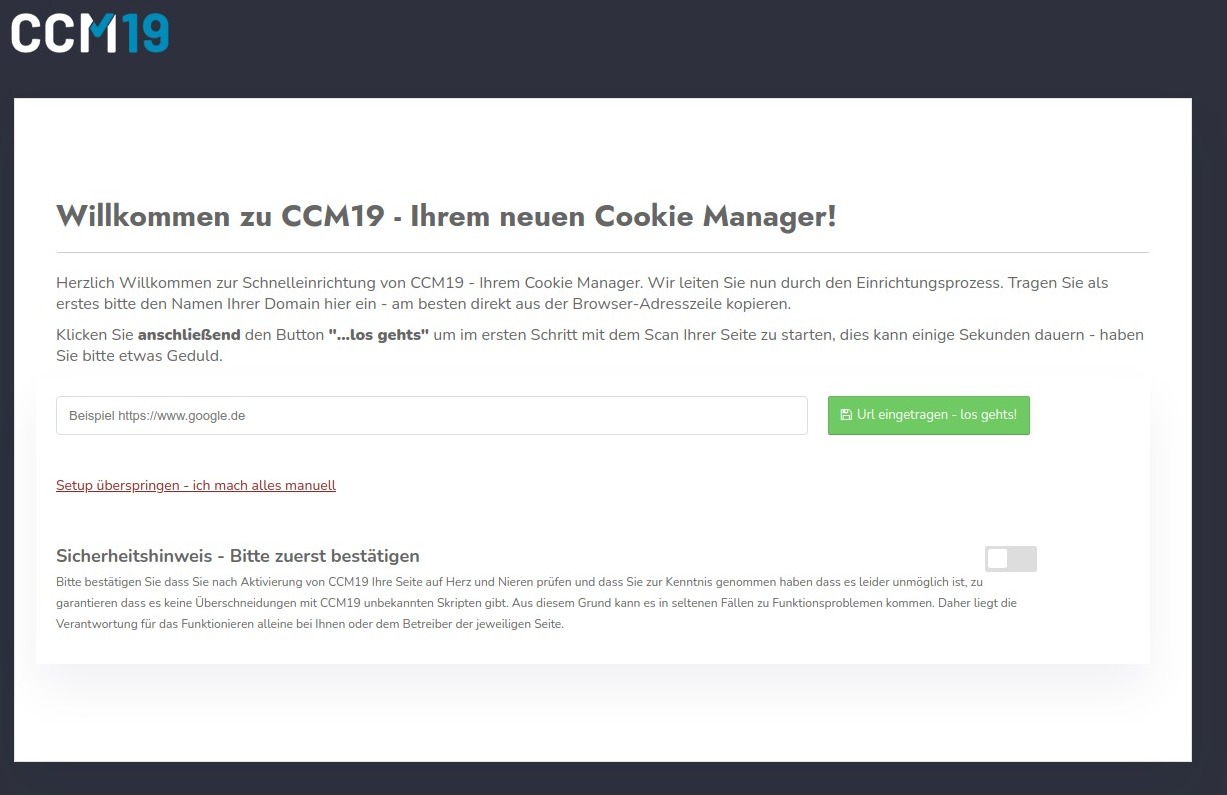
Of course, you can also do everything manually. To do so, simply click the link “Skip setup - I’ll do everything manually.”