IAB-Framework (TCFv2.2)
Under this menu item, you can enable the IAB-Framework in a domain’s configuration. This will display selected providers and purposes in your cookie-banner.\ The framework is specifically required to obtain consent for personalized advertising.
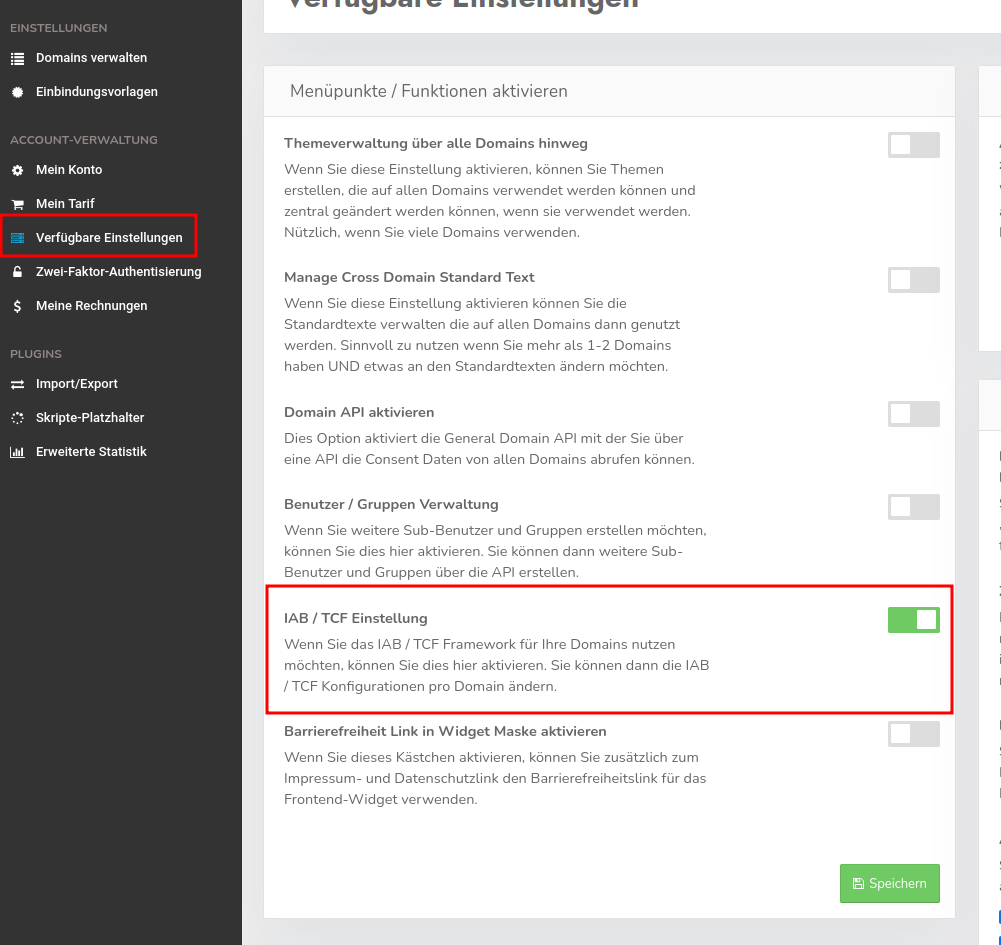
If you do not see this menu item in your domain’s configuration, you must first enable it. To do so, navigate back to the account level and select the “Available Settings” menu item. Here, the “IAB / TCF Setting” option must be enabled so that the menu item is displayed for all domains.
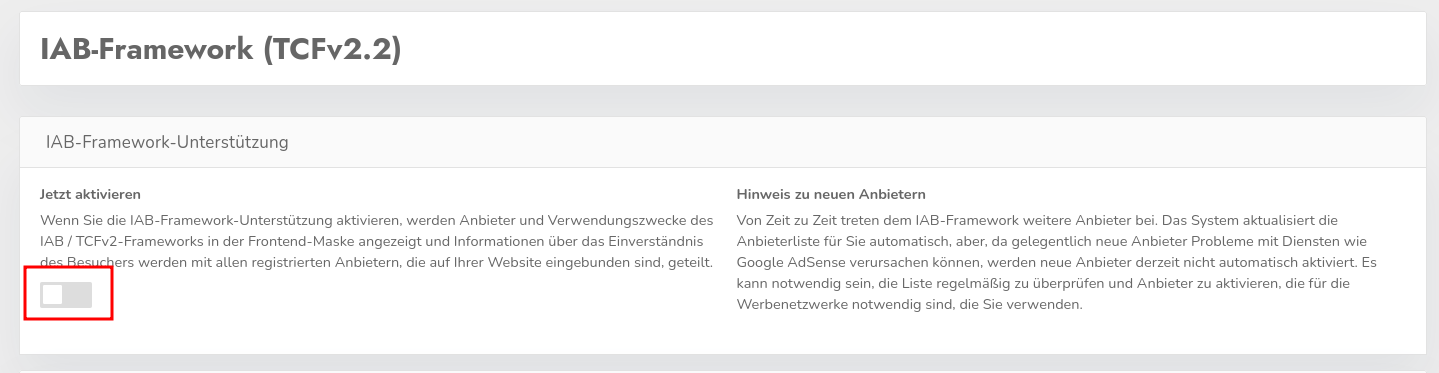
To activate the framework, simply click the toggle under “Activate Now” at the domain level and save the setting:
IAB Global Vendor List (GVL)
This list allows you to specify which participating vendors should be listed in your banner. By default, all providers are preselected here. However, to make the banner clearer, it may be helpful to select only those providers for which consent is actually required to display ads. Typically, your advertising partner will provide you with a list containing information about which IAB-providers must be enabled for ad serving. If you do not have such a list, you should leave the entire selection enabled to be on the safe side.
Google Additional Consent Mode
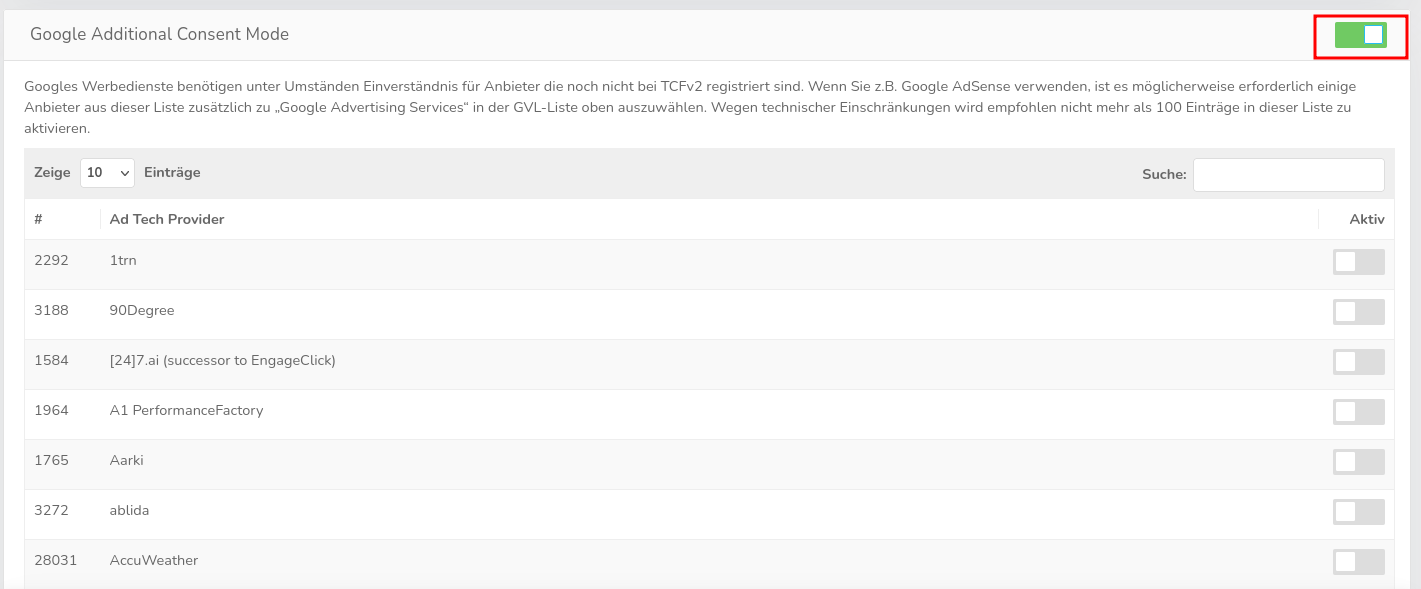
Google’s advertising services may require consent for providers that are not yet registered with TCFv2. If you use Google AdSense, for example, you may need to select some providers from this list in addition to “Google Advertising Services” in the GVL-list above.\ To view the list of providers, you must first enable the slider.